
Next.js vs WordPress in 2026: the direct answer
Choose WordPress if you need a content-heavy site managed by non-developers — marketing teams, editors, or clients who update their own pages. Choose Next.js if your site needs custom functionality, high performance under heavy traffic, or seamless integration with a web application. For most business websites and blogs, WordPress is still the faster, more economical choice. For web apps, SaaS landing pages, and developer-managed platforms, Next.js is the better foundation. The wrong choice costs months of migration work later.
We build on both stacks regularly. Here is an honest breakdown of where each one wins, where it struggles, and how to decide for your specific situation.
What WordPress does well in 2026
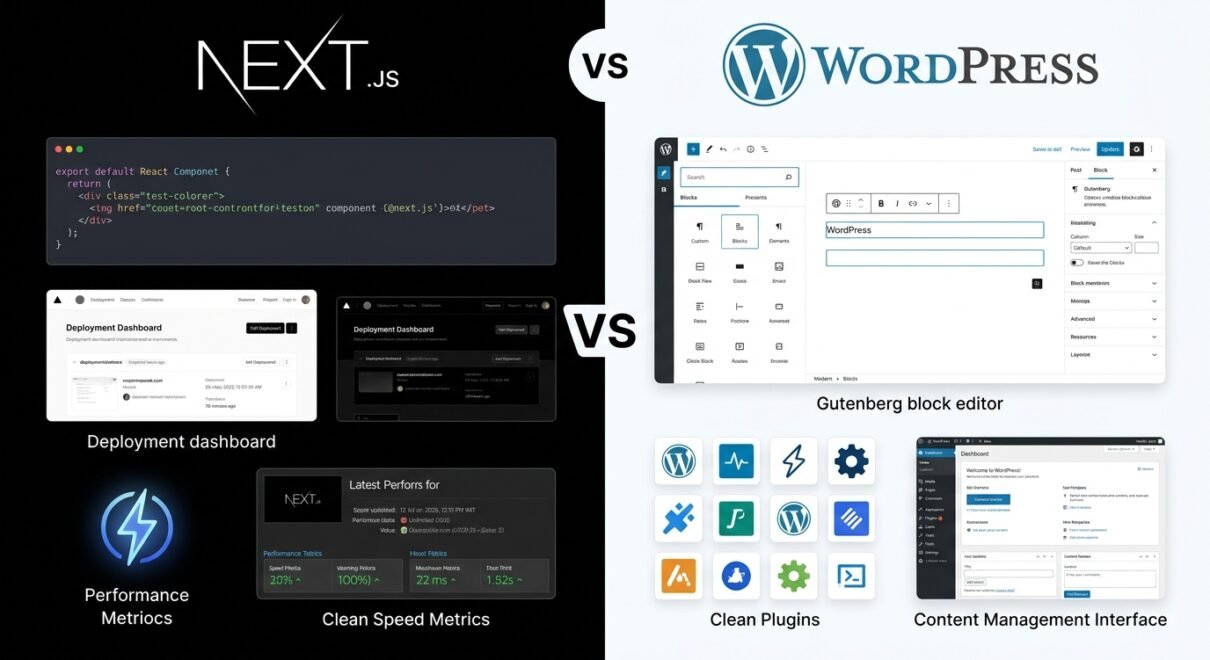
WordPress powers approximately 43% of all websites on the internet. That market share exists because the platform solves a real problem extremely well: it lets non-technical users manage content, publish pages, and update a professional website without touching code. The Gutenberg block editor, combined with a quality theme, means a marketing manager can update a service page, add a blog post, and publish a new case study without filing a developer ticket.
Beyond content management, the ecosystem is genuinely mature. There are reliable, well-maintained plugins for almost every standard business requirement — forms, SEO (Yoast, Rank Math), e-commerce (WooCommerce), membership, bookings, analytics, and payment processing. This ecosystem lets a small agency build a feature-complete business website in 2–4 weeks rather than 3–4 months of custom development.
WordPress also has a well-understood hosting stack. Managed WordPress hosting (Kinsta, WP Engine, or even Hostinger’s Business plan) handles caching, backups, SSL, and CDN without requiring server management expertise. For most businesses, this is exactly the right level of infrastructure to operate.
What WordPress does poorly: out-of-the-box performance without caching and optimisation. A default WordPress installation with a bloated theme and 25 plugins will score poorly on Core Web Vitals. Proper configuration — caching plugin, image optimisation, font subsetting, database cleanup — is required to get competitive LCP and INP scores. It’s achievable, but it needs intentional setup rather than defaults.
What Next.js does well in 2026
Next.js is a React-based framework that renders pages at build time (static generation), at request time (server-side rendering), or on the client — and mixes strategies per route. For performance, this matters: a statically generated Next.js page served from a CDN edge node is, in most benchmarks, the fastest way to deliver a web page in 2026. There is no server processing time, no database query, no plugin overhead — just pre-rendered HTML cached globally.
For developer-managed platforms, Next.js has significant advantages. TypeScript support is first-class. API routes let you build backend logic in the same codebase. The App Router (stable since Next.js 13) gives fine-grained control over caching, streaming, and layout. If your “website” is actually a web application — a SaaS dashboard, a marketplace, a complex data-driven product — Next.js is the correct foundation.
Vercel (the company behind Next.js) has built hosting infrastructure specifically optimised for the framework. Deployments happen on git push. Preview URLs are generated automatically for every pull request. For developer teams used to this workflow, it’s genuinely better than anything in the WordPress ecosystem.
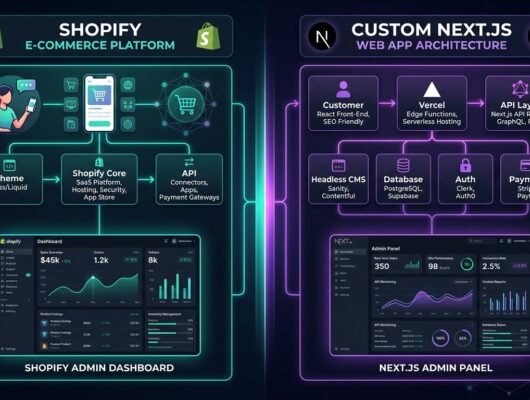
What Next.js does poorly: content management. There is no built-in CMS. Updating a page in a Next.js site typically requires a code change, a pull request, and a deployment. For marketing teams that need to update content weekly without developer involvement, this workflow is untenable. The standard solution — pairing Next.js with a headless CMS like Contentful, Sanity, or Strapi — solves the problem but adds a third system to maintain, adds monthly SaaS cost, and requires a content editor to learn a new interface.
Side-by-side comparison
| Factor | WordPress | Next.js |
|---|---|---|
| Content management | Excellent — built-in CMS, editor-friendly | None built-in; needs headless CMS (extra cost + complexity) |
| Performance (out of box) | Moderate; needs caching + optimisation | Excellent; static pages at CDN edge |
| SEO | Excellent with Yoast/Rank Math; strong track record | Excellent when properly configured; no plugin simplification |
| Developer experience | PHP-based; large pool of developers; slower modern DX | TypeScript/React; modern tooling; smaller developer pool |
| Hosting cost | $10–$50/month (managed WordPress) | $0–$20/month (Vercel hobby/pro) or $20–$150 (custom) |
| Plugin/extension ecosystem | 60,000+ plugins; most business needs covered | npm ecosystem; custom integration required for most features |
| Non-developer usability | High — designed for editors and marketers | Low — developers manage changes |
| Build time for typical site | 2–5 weeks (with theme + plugins) | 4–12 weeks (custom build) |
| Best for | Blogs, business sites, e-commerce, content platforms | SaaS, web apps, high-traffic marketing sites, developer-led projects |
SEO: does the choice of framework actually matter?
One of the most persistent misconceptions we hear: “Next.js is better for SEO because it’s faster.” Speed is a ranking factor, but it’s one of many — and a well-optimised WordPress site on LiteSpeed hosting with proper caching, compressed images, and a lean theme regularly outscores default Next.js builds on Core Web Vitals. Google’s crawlers have no preference for React vs PHP; they care about page structure, content quality, and load speed.
Where Next.js does give a genuine SEO advantage: high-traffic content sites with thousands of pages, where static generation at build time means every page loads from CDN without database overhead, and Time to First Byte (TTFB) is consistently under 50ms. For most SME business sites with under 200 pages, the SEO difference between a well-configured WordPress site and a well-configured Next.js site is negligible.
A practical data point: one client we moved from a slow, unoptimised WordPress site to a properly configured WordPress site (LiteSpeed cache, image CDN, database cleanup) saw their Largest Contentful Paint improve from 4.8s to 1.4s — more improvement than most Next.js migrations deliver, at a fraction of the rebuild cost.
The “headless WordPress” middle path
There is a hybrid option worth knowing: headless WordPress uses WordPress as the CMS backend (giving editors the familiar interface) while serving the front end through Next.js (giving developers a modern stack and superior performance). Data moves between them via the WordPress REST API or GraphQL via WPGraphQL.
This architecture is genuinely powerful for large content operations — media companies, enterprise marketing sites, multi-language platforms. It’s also genuinely complex: two systems to maintain, cache invalidation across both layers, deployment pipelines for both, and a development team that understands both WordPress and React. For most SMEs, the complexity is not worth the benefit. For content-heavy enterprises that need both editor usability and application-level performance, headless WordPress is the right answer.
The decision: a practical framework
Work through these questions:
- Will non-developers update the site regularly? If yes → WordPress. The editorial workflow is the strongest argument for it.
- Is this a web application as much as a website? User accounts, dynamic data, complex state — if your “site” needs these → Next.js.
- What is your developer team’s primary language? PHP team → WordPress is dramatically faster to build and maintain. JavaScript/React team → Next.js.
- What is the content volume? Under 200 pages, moderate traffic → WordPress handles it with ease. Thousands of pages, millions of monthly visitors → Next.js static generation has a real advantage.
- What is your timeline and budget? Next.js builds take longer and cost more, especially when a headless CMS is added. If your budget is limited → WordPress gets you further faster.
The default answer for a standard business website, agency site, or content-driven marketing site in 2026 is still WordPress — not because it’s the most technically impressive choice, but because it solves the actual problem most businesses have: a maintainable, content-managed site delivered efficiently within budget.
FAQ: Next.js vs WordPress 2026
Is Next.js replacing WordPress?
No — not for most use cases. Next.js is growing significantly among developers building web applications and performance-critical marketing sites. WordPress is simultaneously growing in absolute terms (still gaining new installs). They serve different primary use cases. WordPress is not losing ground in the content management and business website segment; Next.js is expanding the web application segment that WordPress was never designed for.
Which is better for SEO: Next.js or WordPress?
Both can achieve excellent SEO results when properly configured. WordPress with a plugin like Yoast or Rank Math has a lower technical barrier to good SEO. Next.js requires manual implementation of structured data, sitemaps, and meta tags — things WordPress plugins handle automatically. For high-traffic, large-scale content sites, Next.js static generation provides a meaningful TTFB advantage. For typical SME sites, the SEO difference is negligible.
Can I migrate from WordPress to Next.js later?
Yes, and it’s a common migration path for growing businesses. The content lives in WordPress and can be exported; the front end is rebuilt in Next.js. In a headless setup, you keep WordPress as the CMS and build a new Next.js front end — no content migration needed, just a new delivery layer. Full migration (exporting and reimporting content to a new CMS) is more involved and should be scoped carefully.
How much more expensive is a Next.js site to build than WordPress?
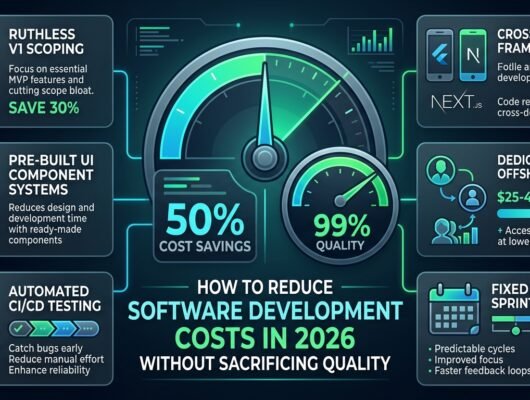
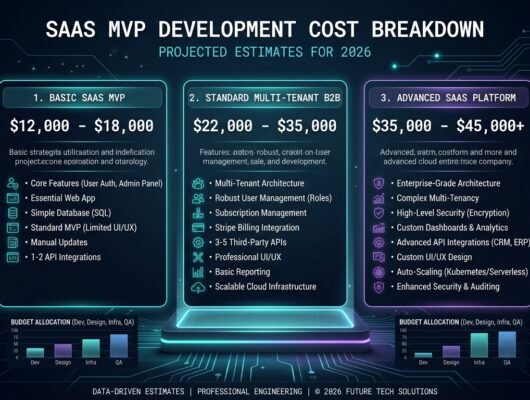
Typically 2–3x more expensive for comparable features. A standard 10–15 page business site in WordPress costs $3,000–$8,000 to build professionally. An equivalent Next.js site, built custom without a CMS, costs $8,000–$20,000. Adding a headless CMS adds another $2,000–$5,000 in setup plus ongoing SaaS subscription costs. The performance and developer experience gains need to be weighed against this difference.
If you’re deciding between WordPress and Next.js for an upcoming project, our web development team builds on both stacks and will recommend the right one for your specific requirements — not the one that’s more profitable to build. Get a free scoping call here.